


Google's search hardly feels like search anymore, and many sites have seen search referral numbers getting smaller and smaller.
That makes search on your own site even more important for readers who do find you.
We built a full-text site search integration because Outpost believes the next generation of publishing isn't just building a newsletter, it's building a publication. When people are on your site, it should be easy for them to find what they are looking for or discover stuff they didn't know existed.
We've been hosting full-text search for some clients for many months, and today we moved our full-text search out of private beta, and making it available to all Voyager and Luna clients. No extra charge and no getting an API key.
You can turn on a better search for your site in just two clicks after you log into Outpost. No code change, no theme work necessary.
Simply login to your Outpost Control Center, scroll down to Site Search, then click Turn on with defaults. We'll turn it on, index your site, and email you when the index is complete. For most sites, this takes seconds or a handful of minutes.
Then you get a search that looks like this when someone presses your search icon or hits CMD-K. It just jumps in before Ghost's search does.

It comes with these good defaults:
- Posts (free and paid), tags and author pages are indexed in one search box
- Results ranked by relevance, with titles being more powerful than a match in the post
- Author and Tag page matches show above posts with up to 3 of each for any search
- Search picks up your theme fonts and has accessible contrast
- Post images show when a feature image exists and if not, we use your logo
- Typo tolerance is built-in, and works even if you misspelled a word in a post the same way the searcher does
You can change the basics of the display in Default Display tab:
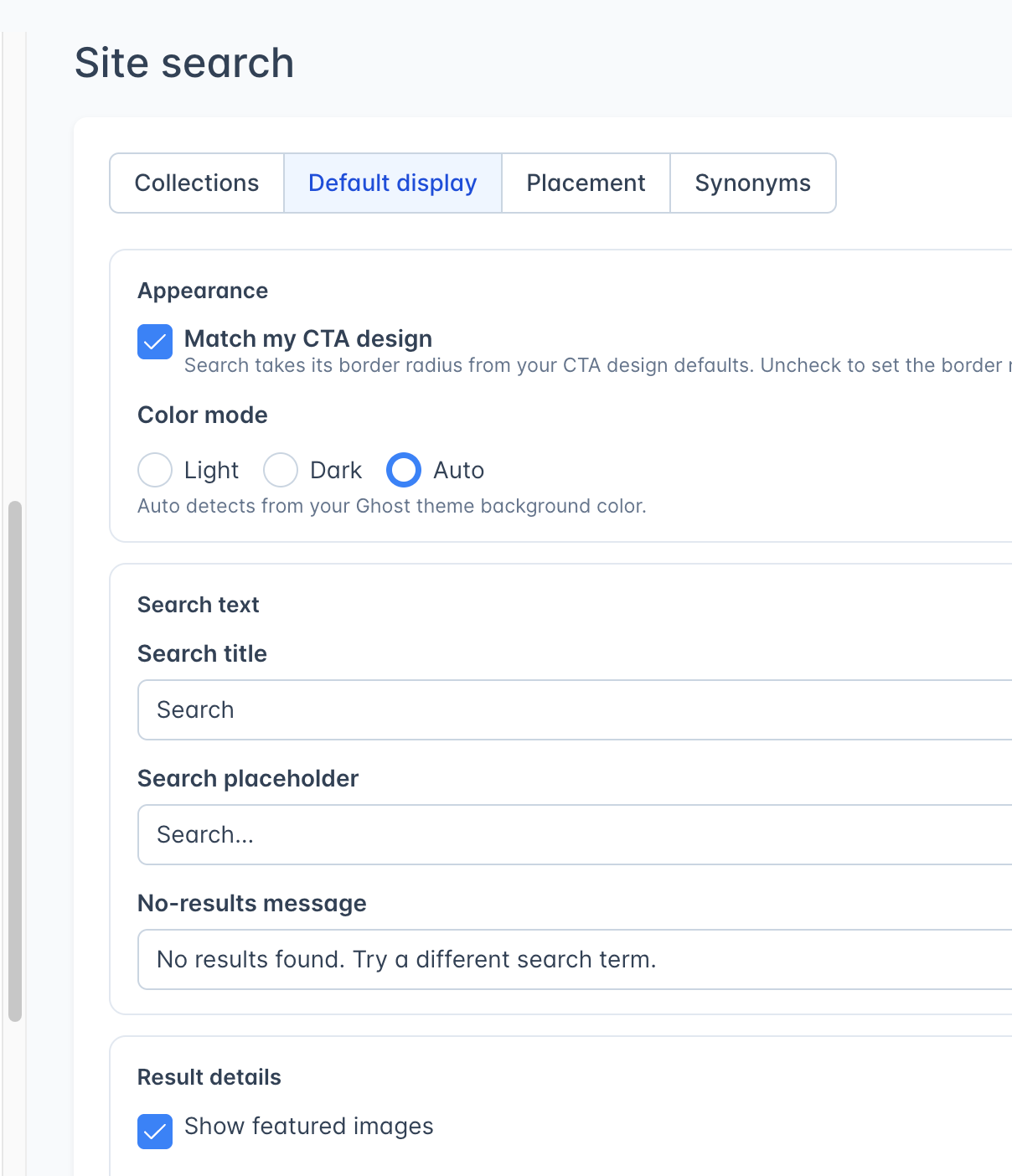
But you can also go much further if you like, and you can find more about it in the Outpost Documentation for Site Search.
- Add multiple search tabs (known as collections) for different kinds of content, like three tabs: All, Text, Podcasts
- You can add labels to search returns based on post's tags or URLs, like labeling every podcast episode as Podcast
- You can include your site's pages if you like, or just include a few of them
- You can add common misspellings, and if you are a UK-based publisher or have UK-based readers, there's a one-click button to add common spelling variants
- You can style each search tab/collection separately from the default design, deciding whether to include the post author, excerpt, image or tag depending on what is in the collection (e.g. not authors for Podcasts)
- You can give boosts that move results up by a tag - so for example if your podcast has a main page tagged Podcast Homepage, you can boost that so it shows higher in search than episodes of that podcast
- You can make all kinds of changes without disturbing the live search, since re-indexing keeps the previous index showing until re-indexing finishes
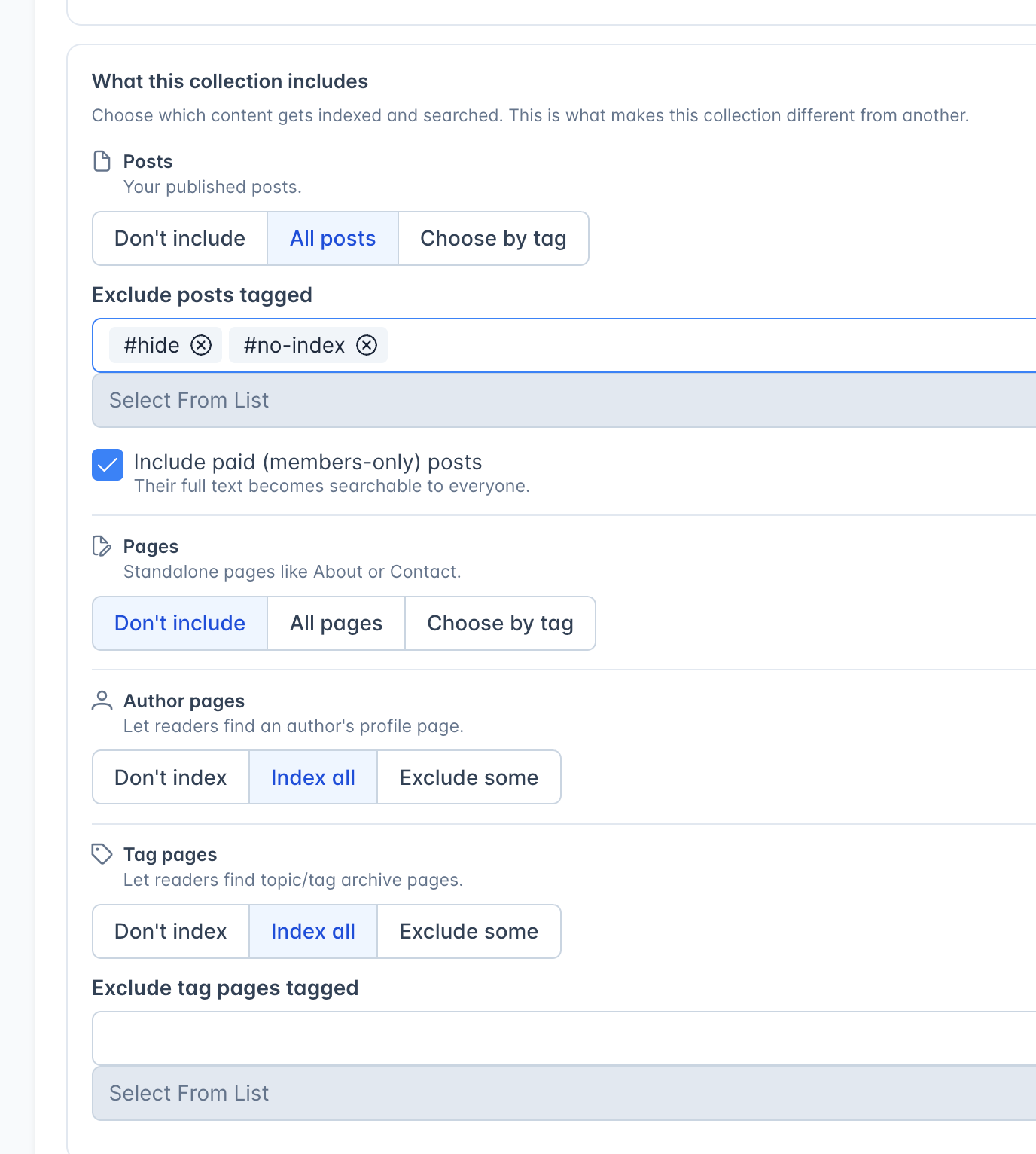
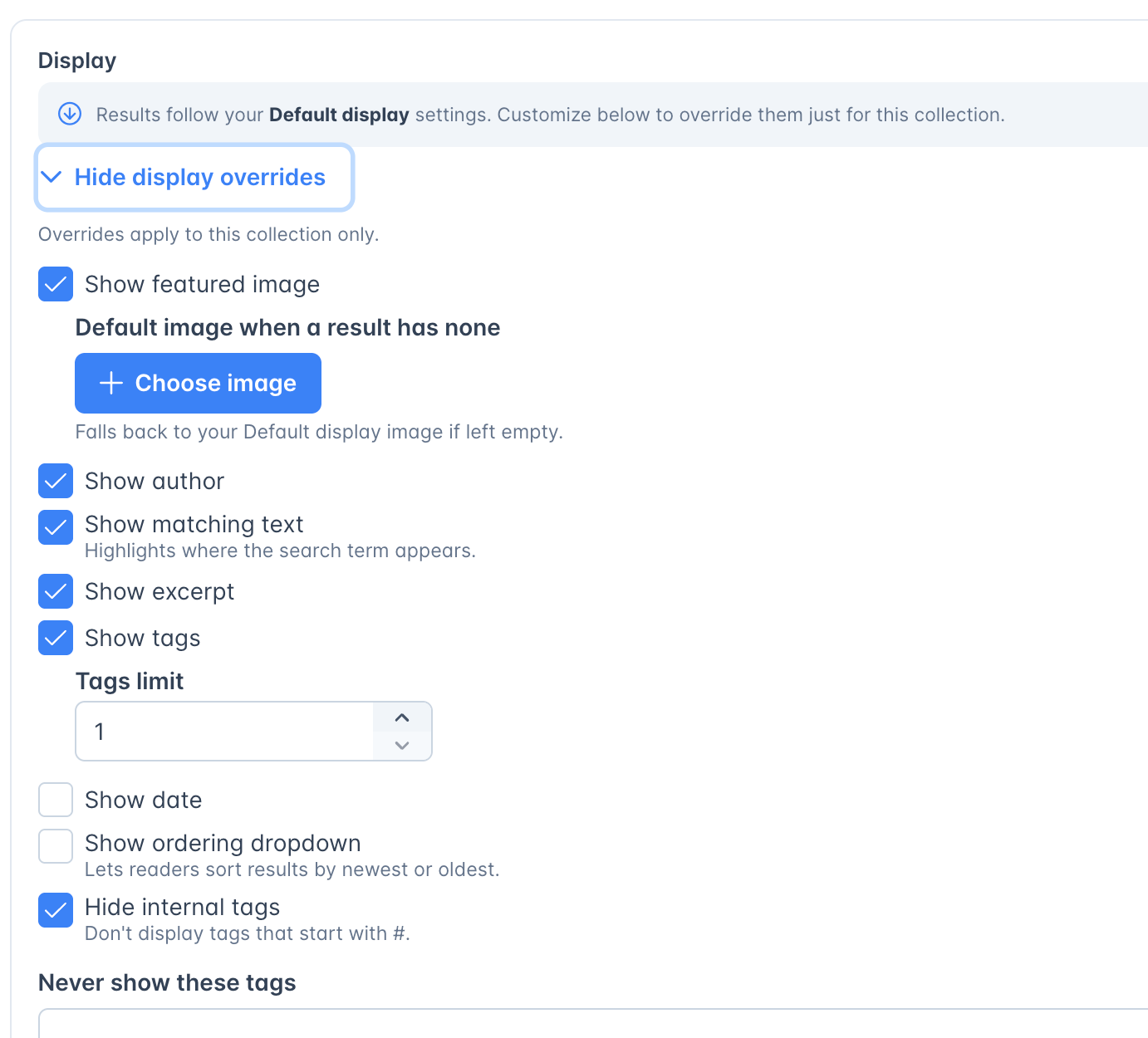
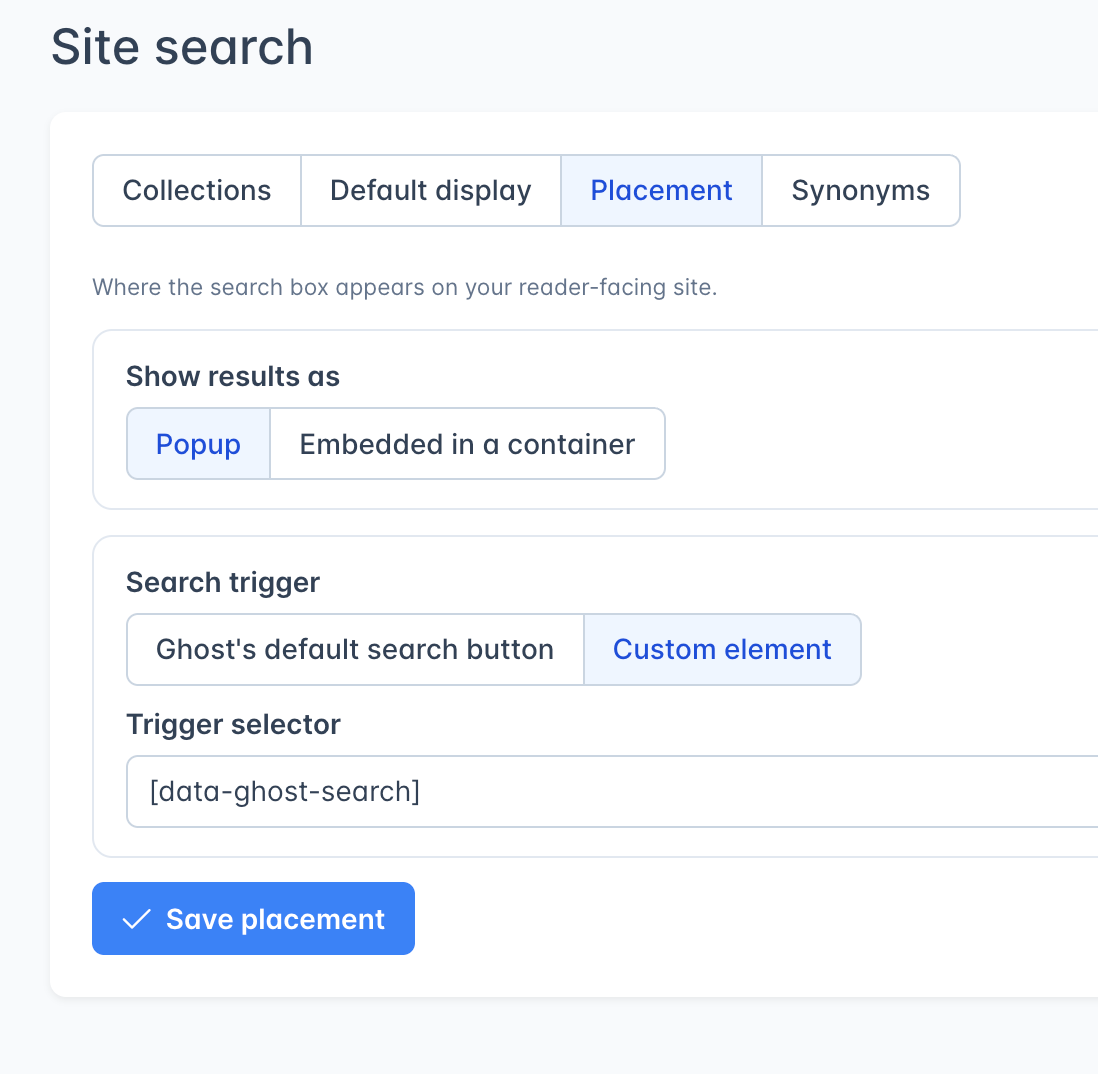
And for those of you who have gotten fancy with design on your site and use a custom search, the system lets you choose the selector.
Under the hood: We are using Typesense, an open-source search tool, that we host for you. We chose Typesense over Algolia for a number of reasons, the biggest one being that Algolia has harsh limits on how many words in a post it will index.
We're collecting search queries (but not who they are from), and we'll be surfacing those soon for you.
We'd also like to say thank you again to Escape Collective, who did great testing and bug-finding ahead of this release.
Til then, happy better search.